Help
Creators Master help
How to plan, write and post, cut videos, make images and read your numbers, step by step with pictures of each screen.
Ask a question
In any language. The answer comes from these help pages, with links to them.
New here? Read these first
- 1What Creators Master doesOne place to plan posts, write them in your own voice, cut videos and see what worked, made for small shops and creators in India.Read
- 2Your first 15 minutesTell us about your business, connect one channel and send your first post. After this, everything else is easier.Read
- 3Write and send a postThe post composer: pick a voice and channels, write or let AI write, add media, then post now, schedule or get a reminder.Read
New in Creators Master
- Quick reel: your video, a look, check the plan, post. With a cover and caption.
- Recorded it three times? Pick the best version of every line.
- Hindi fonts, your own font, 7 ways for words to appear, subtitles off your face, 30 ready effects.
- 11 transitions, a slow push-in, stickers and speed ramps.
- Make your style from a reel you love.
- See where the Reels and Shorts buttons cover your video.
- 100 reel ideas for small businesses.
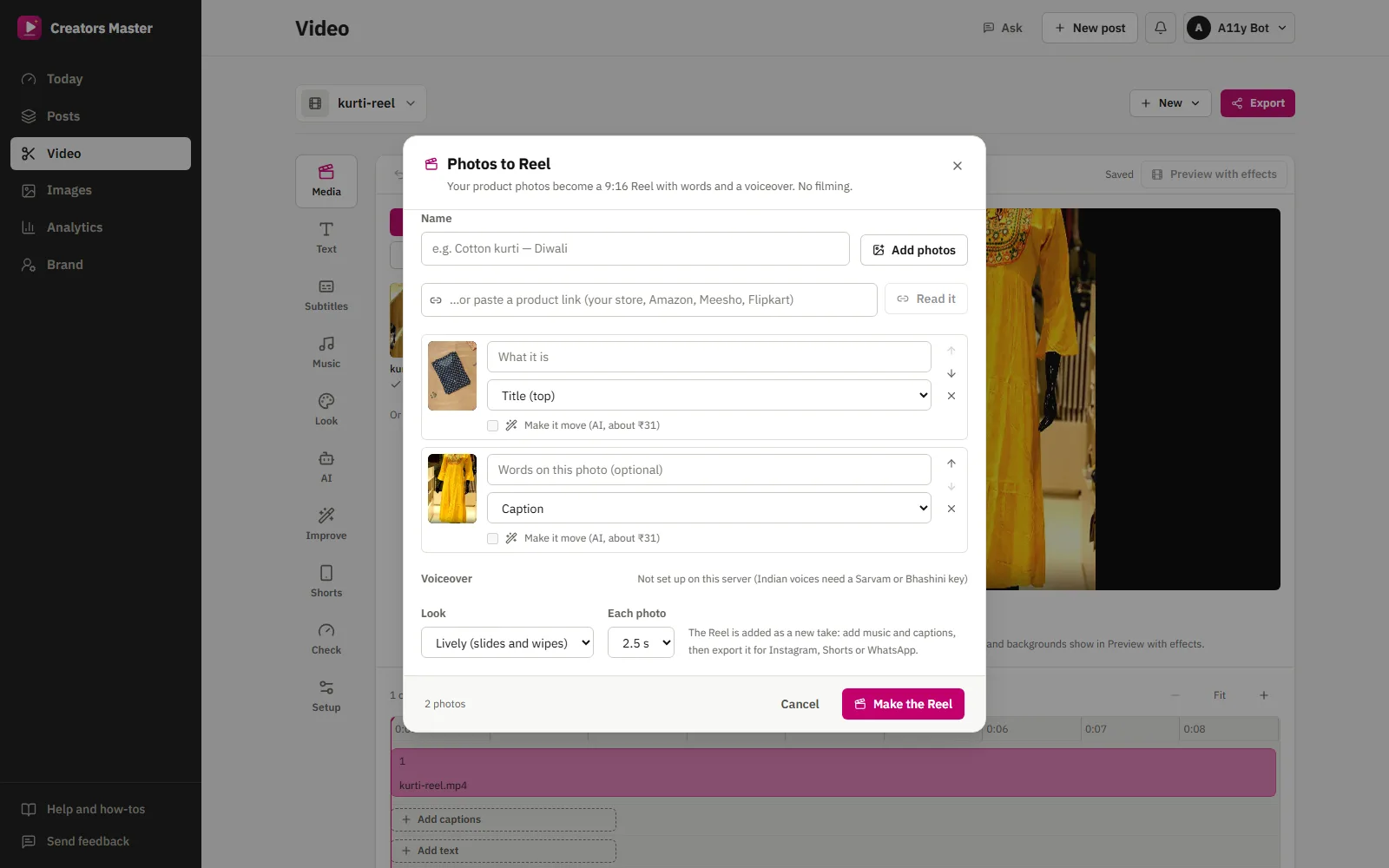
- Turn product photos into a Reel with words and a voiceover.
Everything, by section
Start here
What Creators Master does, and your first fifteen minutes.
Posts
Write once for every channel, plan the month, run offers and react to big moments.
Video
Record, cut and polish videos, make Reels from photos, Shorts and other languages, and export for every channel.
- Quick reel: three steps, then post
- Video projects and adding footage
- Record with your camera, a teleprompter or your screen
- Photos to Reel, and photos that move
- Cutting: the AI editor, your words and the timeline
- Clean-up options: pauses, captions, zoom, looks and sound
- Shorts, dubbing and other voices
- Check and export
Images
Resize and retouch photos for every channel, add prices and text, and use AI to clean up, show on a model or create.
Brand and results
Your business, your connected accounts, your media kit and brand deals, and the numbers that come back.
Grow and earn
What to film next, and how to earn by editing reels for local businesses.
Account and help
What costs credits, Indian languages, profiles and notifications, and answers to common questions.